
Security and customer operations · September 15, 2026
Telegram customer support security: a checklist for teams
Customer conversations can contain identity details, case history, and commercial information. A secure Telegram support workflow protects both the account used to communicate and the company process around each customer.
Seven checks for safer Telegram customer support
1. Define which accounts are for company work
Document each business account's purpose, accountable owner, approved team, and recovery contact. Keep company work separate from personal accounts where possible. Do not pass a shared password or verification code around a team; use named access in the business tools your organization has approved.
2. Turn on Telegram's own sign-in protections
In Telegram, open Settings > Privacy and Security to enable Two-Step Verification, protect its recovery email, and use a unique password. Telegram's verification codes are secrets: no manager, colleague, or support agent should ask an employee to send one in a chat. These controls are configured with Telegram, not switched on by COnnect.
3. Review active sessions and trusted devices
Periodically review sessions in Telegram and terminate ones that are old, unrecognized, or tied to a device that is no longer trusted. Apply a screen lock and operating-system updates to devices used for customer work. COnnect's account and device controls apply to the COnnect account; they do not replace Telegram's session controls. The COnnect account security guide explains the controls available in COnnect.
4. Match access to each person's job
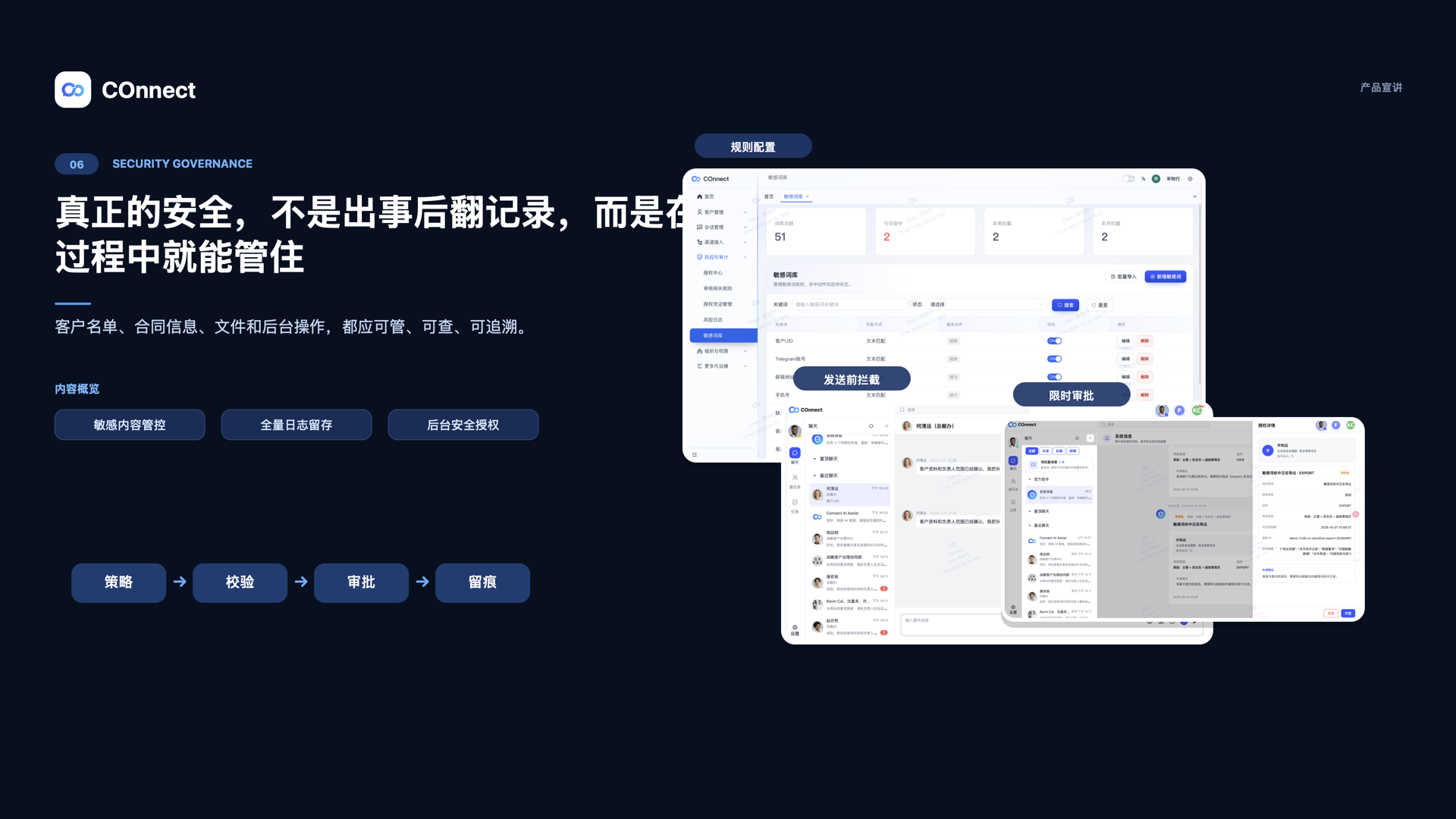
Give each teammate a named account and only the role and data scope needed for their work. Separate routine customer handling from administration and sensitive approvals. When a temporary approval is required, wait until the system shows it as approved and valid. COnnect supports organization roles, data-scope controls, and approval or risk-review workflows for supported operations; this is not a promise that every Telegram action is recorded.
5. Minimize sensitive information in customer chats
Do not ask customers to send passwords, one-time codes, recovery phrases, or payment credentials in Telegram. Verify identity before discussing account-specific details, share only what the customer needs, and use an approved secure channel for documents that require stronger handling. Avoid copying complete conversations into personal notes or unmanaged files.
6. Keep customer ownership and the next action visible
Assign an accountable owner to each active customer relationship. For a transfer, record the new owner, a concise business reason, and the next action; keep the customer context needed to continue service. Do not expand a handoff into unrestricted access for everyone. See the team operating model for Telegram customer conversations for a fuller workflow.
7. Close access when responsibilities change
When someone changes role or leaves, review the customers they own, pending replies, open tasks, Telegram sessions, recovery methods, and COnnect permissions. Move active work to an accountable teammate, then remove access that is no longer needed. The employee-exit handoff checklist covers the customer transition in more detail.
Record the approval, owner, scope, and next action for controlled business processes. Keep passwords and verification codes out of handoff notes and audit comments.
Red flags to address promptly
- A business account is recoverable only through one employee's personal email or phone.
- Several people share one password or pass verification codes through chat.
- No one can identify the current customer owner or the person responsible for the next reply.
- Former staff or lost devices may still have an active session or business access.
What COnnect can and cannot do
COnnect helps organizations govern supported customer workflows with roles, data scopes, customer ownership, follow-up, and approval or risk-review records. Telegram account protections such as Two-Step Verification and active-session review still need to be managed in Telegram. Available controls can depend on the client, account, and deployment configuration; no tool can guarantee that every account or message is secure.
For account and device steps, see Protect your COnnect account. For approval and risk-log workflows, see Handle sensitive actions.
FAQ
Does COnnect enable Two-Step Verification for Telegram?
No. Two-Step Verification is a Telegram account setting and must be enabled in Telegram. COnnect's organization and account controls are separate.
Should a support team share one Telegram password?
Avoid circulating shared passwords or verification codes. Define the approved account model and give staff named access in the tools and roles your organization supports.
Does COnnect replace Telegram?
No. COnnect adds organization, customer ownership, access, approval, and follow-up workflows around supported customer communication; it is not a replacement for Telegram's native account security.
Make customer communication easier to govern.
Explore COnnect's enterprise approach to customer ownership, organization access, and operational follow-up.
Talk to the enterprise team