
Account
Get started with COnnect
Sign in, choose the right workspace, and learn the main areas of the COnnect app and web experience.
1. Sign in
- Open COnnect on your phone or visit the COnnect web experience.
- Enter the account details you use for COnnect and complete any verification requested on screen.
- If your account has a separate PIN or workspace identity, enter the PIN for the space you want to open.
Check the identity before continuing
If you manage more than one account, confirm the account name and workspace shown after sign-in before opening a private conversation.
2. Find your way around
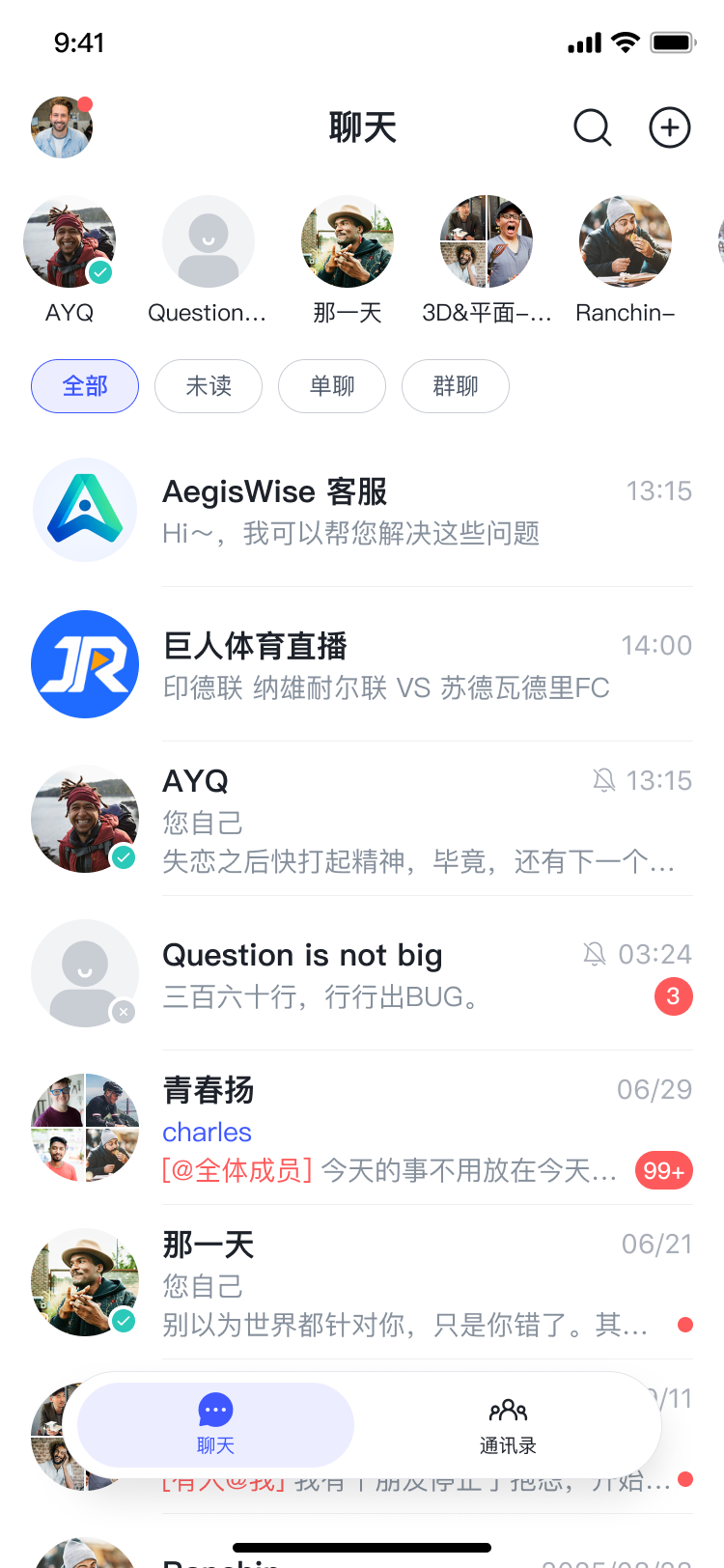
The main areas are designed around the task you are completing:
- Conversations: open existing one-to-one or group chats and review recent messages.
- Contacts: find people and start a new conversation.
- Settings: manage account, PIN, device, notification, and privacy controls available to your account.
3. Continue with a task
Next, learn how to send messages and files, protect your account, or manage contacts and groups.