
Communication
Send messages and files
Start a conversation, send text or media, and check what happened when a message does not arrive as expected.
Send a message
- Open Conversations and choose a person or group.
- Tap or click the message field, enter your text, and choose Send.
- Keep the conversation open until the sending state changes if the network is slow.
Send an image or file
- Open the same conversation and choose the attachment control.
- Select the image or file from your device and review the selected item before sending.
- Wait for the upload and send state to complete. Large files may take longer on mobile data.
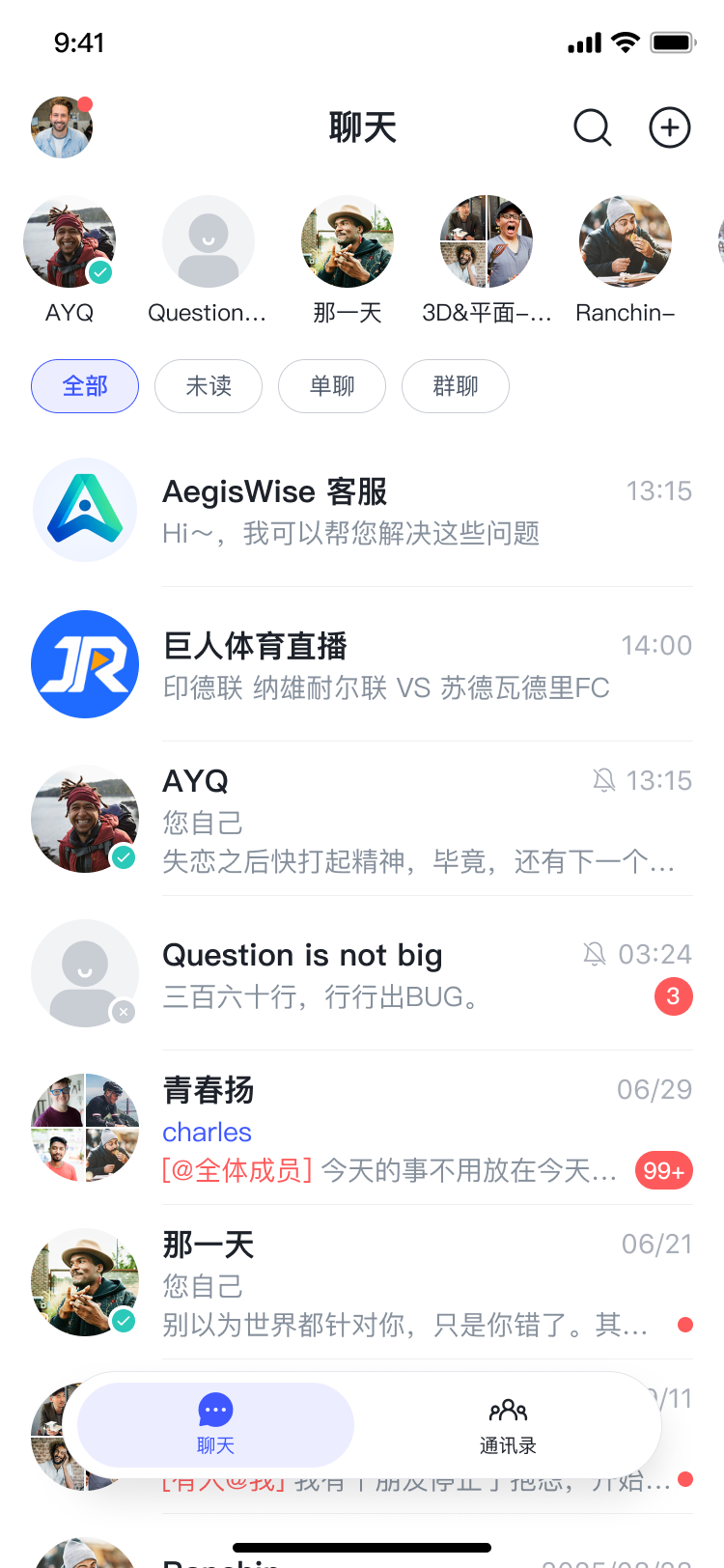
Check message status
A pending or failed state usually means the device is offline, the connection changed, or the upload has not finished. Check your network, keep the app open briefly, and retry once. If only one conversation is affected, confirm that the recipient or group is still available.
Protect sensitive content
Only send private information to the intended conversation. COnnect cannot remove copies that a recipient has already saved, forwarded, or captured outside the service.
If messages remain stuck, use Troubleshoot common issues.