
Customer operations · September 22, 2026
How to organize customer context for a Telegram support team
A support team needs more than a chat history. It needs a consistent way to record who the customer is, what matters now, and what should happen next without moving sensitive data into personal notes.
Why customer context gets lost
Telegram conversations can contain useful history, but a message thread is not the same as a shared customer record. Important context may remain in one employee's memory, an unstructured note, or a private spreadsheet. When the customer changes owner, the next teammate has to ask the customer to repeat information.
A practical customer-context workflow
1. Separate facts from next actions
Record stable facts, such as the customer's business need or preferred language, separately from time-sensitive follow-up. A next action should have an owner and enough context to be completed without guessing.
2. Use a small, shared tag vocabulary
Use system tags for categories the organization wants to apply consistently, such as customer stage or service priority. Avoid creating a new tag for every conversation. A small vocabulary makes filtering useful and reduces ambiguity.
3. Keep follow-up descriptions concise
Write the business reason and next step, not a full copy of the conversation. Never put passwords, verification codes, payment credentials, or unrelated private information into customer notes.
4. Review ownership before a handoff
Before transferring a customer, check the current owner, tags, recent activity, and open follow-up. The receiving teammate should know what to do next, while access remains limited to the organization scope they need.
Make the owner, purpose, and next action clear, and keep sensitive credentials out of operational context.
Questions to ask before standardizing tags
- Which tags are shared system categories and which are personal working labels?
- Can a manager filter customers without asking each teammate?
- Does every follow-up description have a clear owner or next action?
- Can the team see what changed without exposing unrelated customer data?
How COnnect supports this workflow
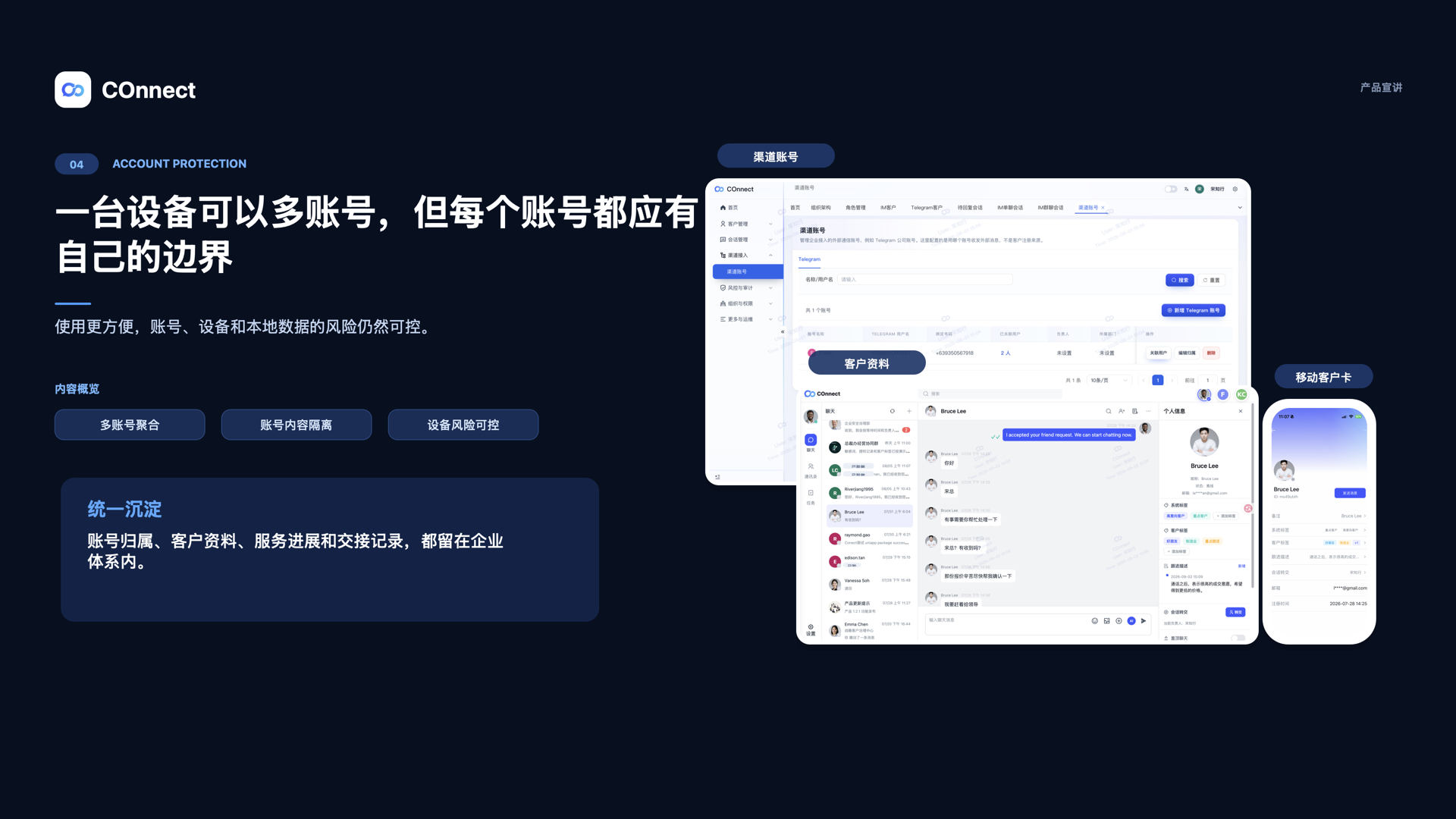
COnnect supports system tags, user-created customer tags, tag filtering in the management console, customer ownership, follow-up descriptions, and activity timelines across confirmed COnnect contact workflows. The current implementation does not mean every Telegram contact or stranger has the same cross-client tag and note coverage; teams should confirm the supported client and contact scope before standardizing a process.
For the handoff steps, see the employee-exit checklist and the customer ownership guide.
FAQ
Should we copy the full Telegram conversation into a note?
No. Keep only the business context and next action needed for service. Do not copy credentials or unrelated private information.
Can every employee create shared system tags?
System tag management belongs in the management console. User-created customer tags and visibility can follow a different organization policy, so confirm the role and scope before publishing a shared vocabulary.
Does COnnect provide the same tag coverage for every Telegram contact?
Not necessarily. Confirmed coverage differs by client and contact type. Do not describe the current implementation as complete Telegram-contact coverage.
Turn customer context into a team asset.
See how COnnect connects ownership, tags, follow-up, and permissions.
Talk to the enterprise team